

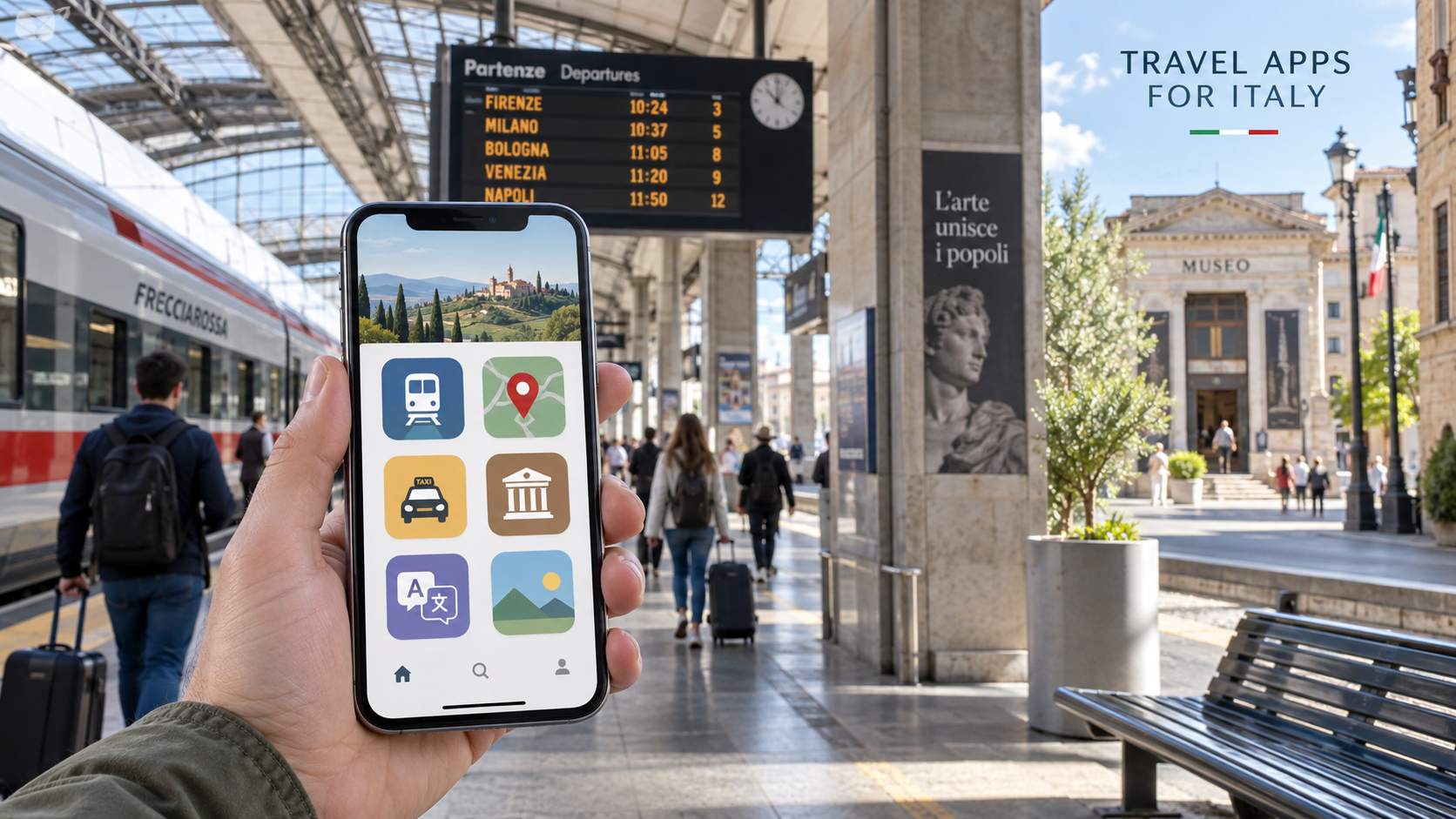
 A smartphone can make traveling in Italy considerably easier, but only if it contains the right apps before the journey begins. Train tickets, changing platforms, city buses, museum reservations and restaurant menus can all be managed from a phone.
The most useful strategy is not to download dozens of travel apps. Install a small collection that covers transportation, navigation, tickets and communication, then prepare each one before leaving home.
Essential Apps to Download Before Visiting Italy
For most visitors, these are the five most important categories:
• Trenitalia and Italo for train travel
• Google Maps for navigation
• A local public-transport app for buses, trams and metro systems
• itTaxi, appTaxi or another locally available taxi app
• Google Translate, Apple Translate or DeepL for language assistance
Travelers should also save tickets, hotel addresses and important reservations offline in case mobile service becomes unreliable.
Trenitalia: The Most Important Train App
The official Trenitalia app is essential for travelers using Frecciarossa, Intercity, night or regional trains.
It can be used to:
• Search timetables
• Purchase train tickets
• Display digital tickets
• Check train delays
• View scheduled connections
• Manage eligible reservations
• Check the status of a train
Trenitalia operates most of Italy’s national railway network, including regional services to thousands of smaller destinations. The app is therefore useful even when a journey does not involve a high-speed train.
Digital ticket rules depend on the service and operator. Trenitalia’s current Digital Regional Ticket is normally validated automatically at its scheduled departure time, but travelers should always read the instructions displayed on their ticket.
Paper regional tickets may still require validation at the station. High-speed and Intercity tickets are normally tied to a specific train and reserved seat and do not need to be stamped.
For a complete explanation, see Italia Mia’s guide to traveling in Italy by train.
Italo Treno: The Other Major High-Speed App
Italo operates high-speed trains between many major Italian cities, including Turin, Milan, Venice, Bologna, Florence, Rome, Naples and Salerno.
The Italo Treno app allows passengers to:
• Search and purchase tickets
• Retrieve existing reservations
• Check departure information
• Manage eligible ticket changes
• View Italo loyalty-program information
• Follow train status updates
Trenitalia and Italo are separate companies. Their tickets are not interchangeable, so it is helpful to install both apps when comparing high-speed journeys.
Italo does not operate Italy’s nationwide regional network. A traveler going from Rome to Florence might use either Trenitalia or Italo, while a regional journey to a small town will usually require Trenitalia or a local railway operator.
Should You Use Omio or Trainline?
Apps such as Omio and Trainline can compare trains from different operators in a single search. They may be convenient for planning a multi-country European trip, but they act as intermediaries.
Purchasing directly through Trenitalia or Italo often makes ticket changes, refunds and customer service simpler. Third-party apps may also charge booking fees or apply their own conditions.
A practical method is to compare schedules and then check the same journey on the operator’s official app before paying.
Google Maps: The Best General Navigation App
Google Maps is the most versatile navigation app for most visitors to Italy. It provides walking routes, driving directions, business listings, opening hours and public-transport suggestions.
Save the following places before the trip:
• Hotels and vacation rentals
• Railway stations
• Airports
• Museums and attractions
• Restaurants
• Parking facilities
• Car-rental offices
• Hospitals and pharmacies
Do not search only for the city name when traveling by train. Large cities have several stations. Roma Termini and Roma Tiburtina, for example, are different stations, as are Venezia Santa Lucia and Venezia Mestre.
Google Maps allows users to download selected areas for offline use. However, offline mode has limitations: public-transport, cycling and walking directions are not available offline, and driving directions do not include live traffic or alternative routes.
Download maps before departure, but maintain a mobile-data connection whenever possible.
Apple Maps
Apple Maps is a useful alternative for iPhone users, especially when it is integrated with Apple Wallet, Siri and other Apple services.
Coverage and public-transport information can vary by location. Travelers may prefer Apple Maps for everyday navigation while keeping Google Maps as a backup for business searches, reviews and saved offline areas.
No navigation app is completely reliable inside historic centers, where narrow lanes, stairs, pedestrian passages and restricted streets may confuse automated directions.
Organic Maps: A Completely Offline Backup
Organic Maps is useful for travelers who want a map that works without a mobile connection. Its downloadable maps can be especially helpful for walking in smaller towns, rural areas and places with weak reception.
It should be treated as a backup rather than the only navigation system. Offline map information may not reflect temporary road closures, transportation disruptions or recent business changes.
Waze for Driving in Italy
Waze can help motorists with traffic, road hazards and route changes. It is particularly useful on highways and around major cities.
Drivers should never depend on an app to identify every limited-traffic zone. Italian historic centers frequently contain restricted areas called ZTL zones, and entering one without authorization can lead to a fine.
A route suggested by a navigation app does not override road signs. Always watch for signs marked Zona Traffico Limitato, access restrictions, bus lanes and pedestrian zones.
Read Italia Mia’s guide to driving in Italy for more information about ZTL zones, tolls, speed cameras and parking.
Apps for Buses, Trams and Metro Systems
Google Maps provides useful public-transport directions in many Italian cities, but local information is sometimes more accurate in a transit app.
Moovit covers buses, trams, metro lines and local trains in numerous Italian cities. It can display nearby stops, route options and available real-time arrival information.
Local transportation companies may also have their own apps. Examples include:
• ATAC services in Rome
• ATM Milano in Milan
• GTT services in Turin
• TPER services in Bologna
• AVM Venezia services in Venice
• Local apps covering Naples and Campania
The official local app may allow travelers to purchase or activate tickets, but the process differs from one city to another. Some systems require a ticket to be activated before boarding, while others require validation by scanning a code or touching the phone to a reader.
Always check the ticket’s instructions. Buying a ticket and activating it are not necessarily the same action.
Taxi Apps in Italy
Italy does not have a single taxi app that works equally well in every city. Coverage varies considerably, so travelers should check which service operates at their destination.
itTaxi
itTaxi connects passengers with licensed Italian taxis in participating cities. The app can be used to request a taxi, follow its arrival and, where supported, pay through the app.
appTaxi
appTaxi is another service working with licensed taxi fleets in numerous Italian locations. Its coverage may include cities not served by another platform.
Uber
Uber operates in Italy, but visitors should not expect the same inexpensive UberX service commonly found in the United States. Depending on the city, the app may offer licensed taxis or professional chauffeur services such as Uber Black.
Availability and prices should be checked inside the app at the time of travel.
FREENOW
FREENOW may provide taxi booking in participating cities, but Italian coverage can change. Open the app and confirm availability for the specific destination instead of assuming it works throughout the country.
Traditional Taxi Stands
Apps are not always the fastest option. Railway stations, airports and major squares generally have official taxi stands marked TAXI.
Use vehicles in the official line and avoid accepting unsolicited offers from people approaching passengers inside a station or terminal. Licensed taxis normally have a roof sign, identification number and displayed fare information.
Save the hotel’s address in Italian so it can be shown to the driver if necessary.
Museum and Attraction Apps
Italy does not have one app covering every museum, archaeological site and monument. National museums, municipal museums, churches and privately managed attractions may all use different reservation systems.
Musei Italiani
The Ministry of Culture’s Musei Italiani portal provides information and ticketing for participating state museums and cultural sites.
It is a useful starting point, but not every Italian attraction is included. Major destinations may use their own official ticketing websites.
Official Museum Apps
Some museums offer an official app containing audio guides, maps, itineraries or information about individual works. Search the museum’s official website before downloading an app, since unofficial guides can have similar names.
Before paying for museum tickets:
• Confirm that the seller is authorized
• Check the date and admission time
• Read cancellation conditions
• Determine whether identification is required
• Verify whether a discounted ticket requires proof of eligibility
• Save the ticket or QR code offline
Popular attractions such as the Uffizi Gallery, Vatican Museums, Colosseum and Pompeii may require advance reservations during busy periods. The official attraction website should always be checked first, even when a commercial booking app is used for other activities.
Google Arts & Culture
Google Arts & Culture does not replace an admission ticket, but it can help visitors understand the collections they are about to see. It includes background information, high-resolution images and virtual presentations from museums around the world.
Using it before a visit can make a large museum less overwhelming and help travelers identify the rooms and works they most want to see.
Google Translate
Google Translate is the most useful all-purpose translation app for many international travelers.
Its features may include:
• Typed translation
• Voice translation
• Conversation mode
• Camera translation
• Translation of saved photographs
• Downloadable offline languages
Download Italian and English before departure. The camera feature is particularly useful for menus, parking instructions, ticket machines and signs.
Automatic translations are not always perfect. For allergies, medical conditions or other important information, prepare a clearly written Italian sentence in advance rather than relying entirely on a live translation.
Apple Translate
Apple Translate is convenient for iPhone users and supports downloaded languages for offline translation. It can be useful for short conversations and saved phrases without requiring an internet connection.
Frequently needed expressions can be saved before the journey, including:
• I have a reservation
• Where is the train station?
• Does this contain nuts?
• I need a pharmacy
• Please call a taxi
• Which platform does the train leave from?
DeepL
DeepL often produces natural translations for longer sentences, emails and messages. It can be helpful when communicating with a hotel, vacation-rental host or transportation company.
Google Translate remains more versatile for quickly translating signs and menus through a camera, while DeepL can be better for composing a complete message.
WhatsApp for Communicating in Italy
WhatsApp is widely used by Italian hotels, restaurants, tour operators, drivers and vacation-rental hosts. A business may respond more quickly to a WhatsApp message than to an international telephone call.
Set up the app before departure and confirm that it is connected to the telephone number you will continue using while abroad.
Do not send passport scans, credit-card numbers or other sensitive information to an unverified account.
Airline and Airport Apps
Install the official app of the airline operating the flight to Italy. It can provide mobile boarding passes, gate information, delay notices and baggage updates.
Travelers passing through large airports may also benefit from the airport’s official app or website. Always verify which airport is being used: Milan, Rome and Venice are served by multiple airports, some of which are far from the city center.
Keep Tickets Available Offline
Train, museum and transportation apps are useful only when the phone is working. Before every major travel day:
• Take screenshots of tickets and QR codes
• Save hotel addresses in the original Italian
• Download offline maps
• Charge the phone completely
• Carry a charging cable
• Keep important booking numbers in a separate note
• Bring a compact power bank
Travelers can find portable power banks on Amazon.com and plug adapters for Italy. Check voltage compatibility before connecting appliances brought from the United States.
Protect Your Phone and Personal Information
Public Wi-Fi networks in stations, airports and hotels may not always be secure. Avoid accessing sensitive financial accounts through an unfamiliar network.
Use a screen lock, enable the phone’s device-location feature and keep automatic cloud backups active. A password manager is safer than storing passwords in an ordinary note.
In crowded stations and on city transportation, do not leave a phone protruding from an open pocket. Pickpockets often target distracted travelers near ticket machines, platforms and train doors.
The Best Minimal Collection
A first-time visitor does not need every app mentioned in this guide. A practical collection would be:
• Trenitalia
• Italo Treno
• Google Maps
• Moovit or the destination’s local transit app
• itTaxi or appTaxi
• Google Translate
• WhatsApp
• The official airline app
Add museum apps only for attractions included in the itinerary. Set up accounts, payment methods, offline maps and downloaded languages before leaving home.
With these preparations, a phone becomes a useful travel assistant without becoming the center of the trip. The apps handle schedules, directions and reservations, leaving more time to enjoy Italy itself.
External Sources
Google Maps offline-map instructions
Musei Italiani official portal